
Categories: AI Agent, AI Chatbot, AI Copilot, AI Developer Tools
CopilotKit Review: AI for Your React App (The Easy Way?)

Every product manager on the planet wants to slap ‘AI-powered’ onto their product description right now. It’s the new gold rush. And for us developers in the trenches, that often translates to a headache-inducing scramble to stitch together APIs, manage chat state, and somehow make a language model… you know, actually do something useful within our app. It’s one thing to make a chatbot that answers questions; it’s another thing entirely to give it hands.
I’ve been watching this space for a while, and I’m always a bit skeptical of tools that promise to make it all “plug and play.” But recently, I’ve been kicking the tires on a tool called CopilotKit, and I’ve gotta say, I’m genuinely intrigued. It’s not trying to be the entire AI stack. Instead, it’s focused on one thing and one thing only: making it easier to build user-facing AI agents and copilots inside a React application. So, is it all just marketing fluff, or is this the shortcut we’ve been waiting for?
So, What Exactly is CopilotKit?
Think of CopilotKit as a specialized toolkit for your front-end. It’s not another API wrapper for OpenAI. Instead, it’s a suite of thoughtfully designed React components that act as a pre-fabricated bridge, saving you from having to architect the entire communication flow between your user’s browser and the large language model humming away on a server somewhere. At its core, it’s open-source, which is a huge green flag for me. It means you can peek under the hood, customize things to your heart’s content, and you’re not locked into some proprietary ecosystem that could change its pricing on a whim.
It provides the front-end building blocks—the chat windows, the text areas that autocomplete with AI—and the backend plumbing to connect those components to powerful agentic frameworks. This is the key part. It understands that a good copilot needs to be more than just a chat interface.
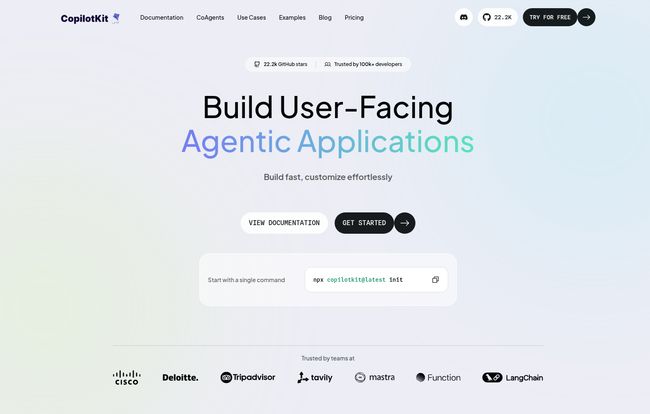
Visit CopilotKit
The Features That Actually Matter
A feature list is just a list. What matters is what it allows you to do. After playing around with it, a few things really stood out to me as solving real-world problems.
More Than Just a Chat Window: The CopilotPortal and CopilotTextarea
Getting a chat UI up and running can be a surprising time sink. You’ve got state management, message history, loading indicators… it’s a pain. CopilotKit’s `CopilotPortal` is essentially a drop-in chat component. You can get a pretty slick, functional copilot interface running in your app in minutes. The `CopilotTextarea` is also brilliant—it’s a simple replacement for a standard `


